Skills
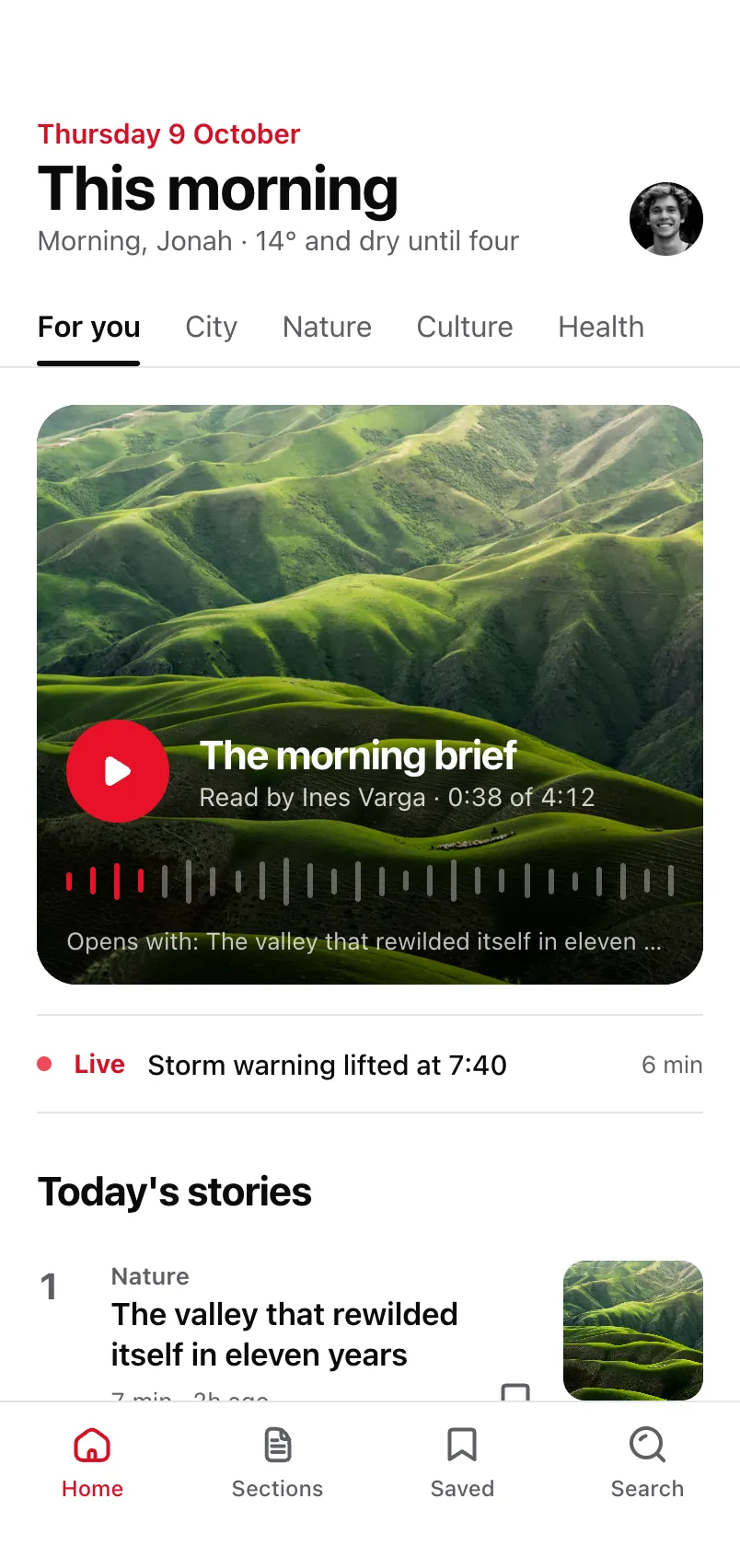
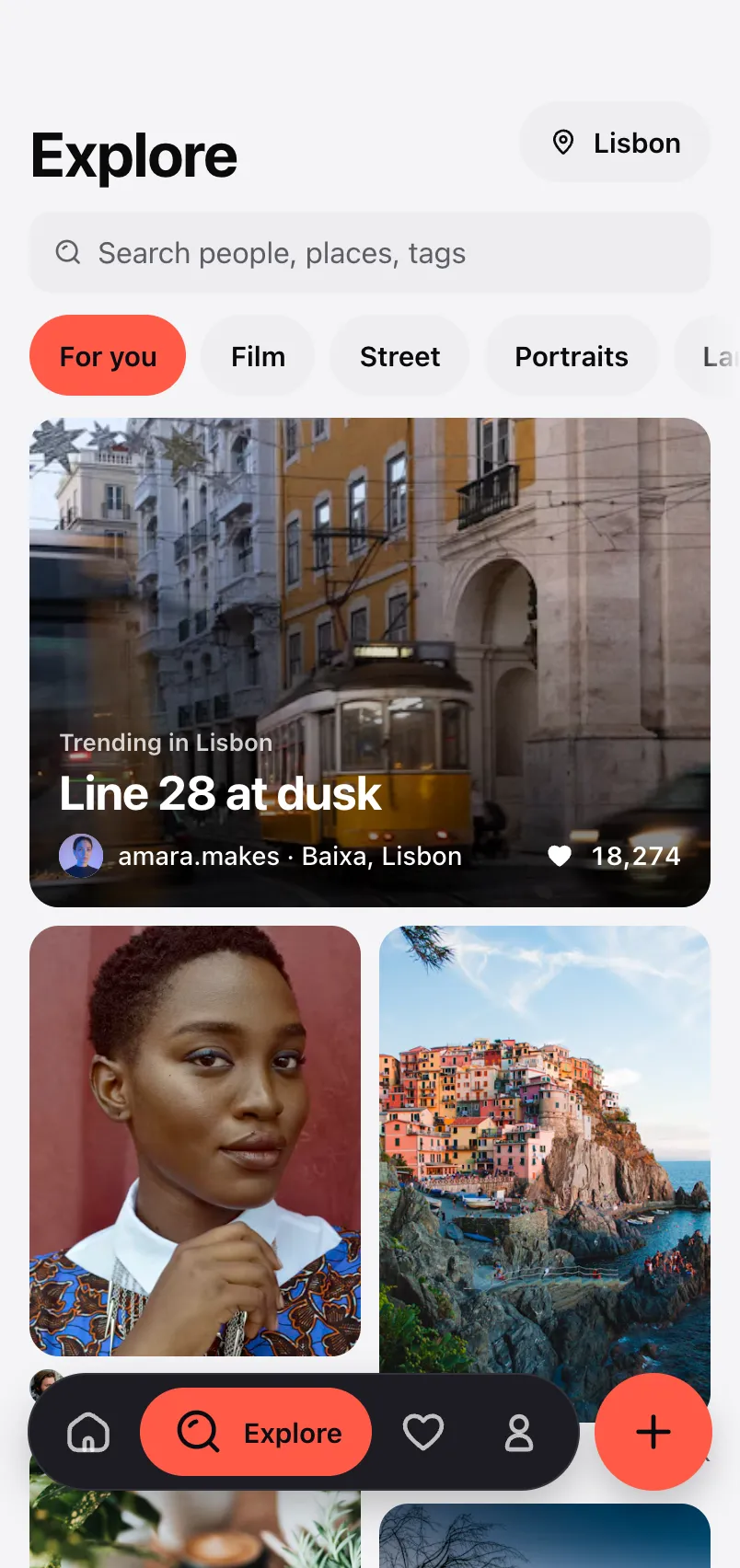
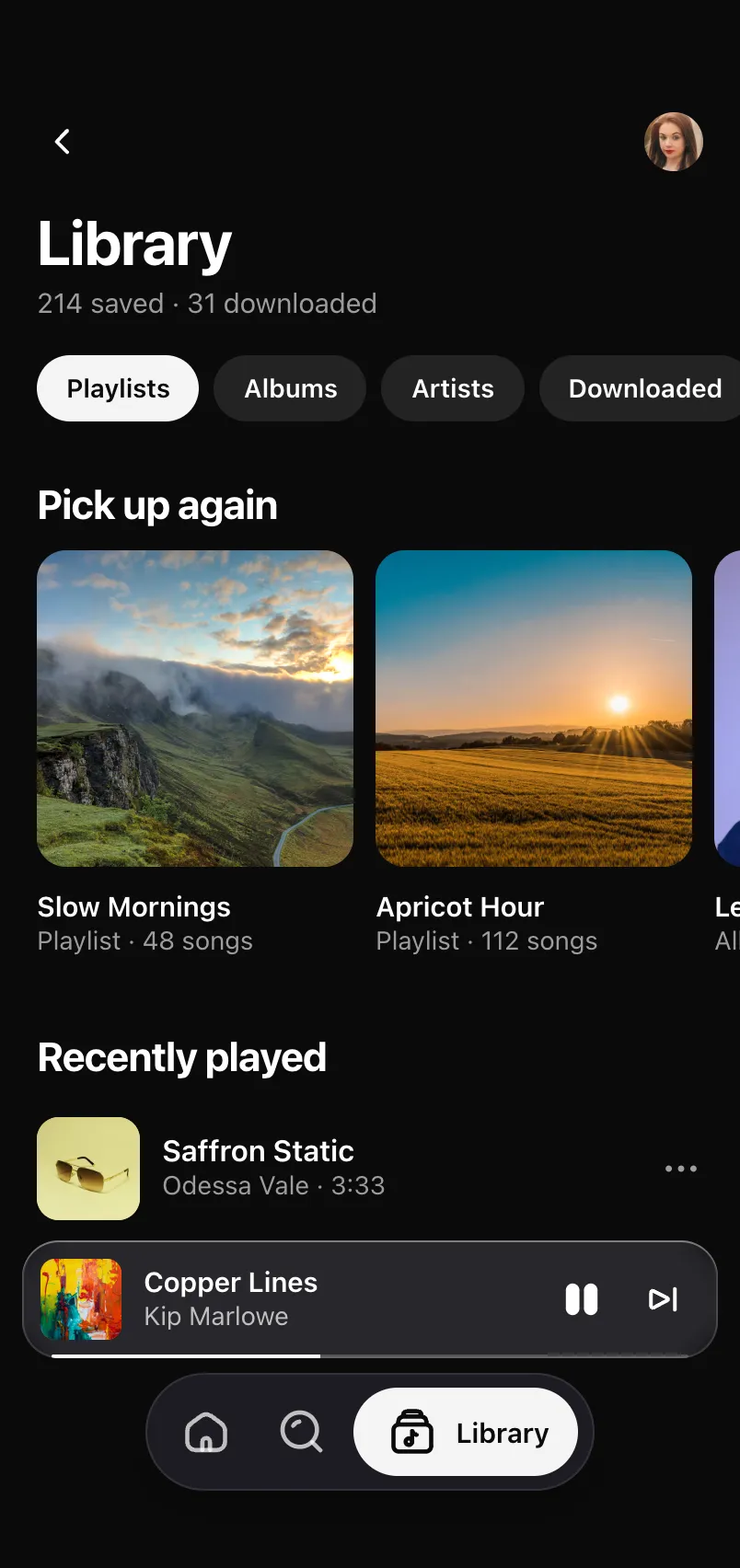
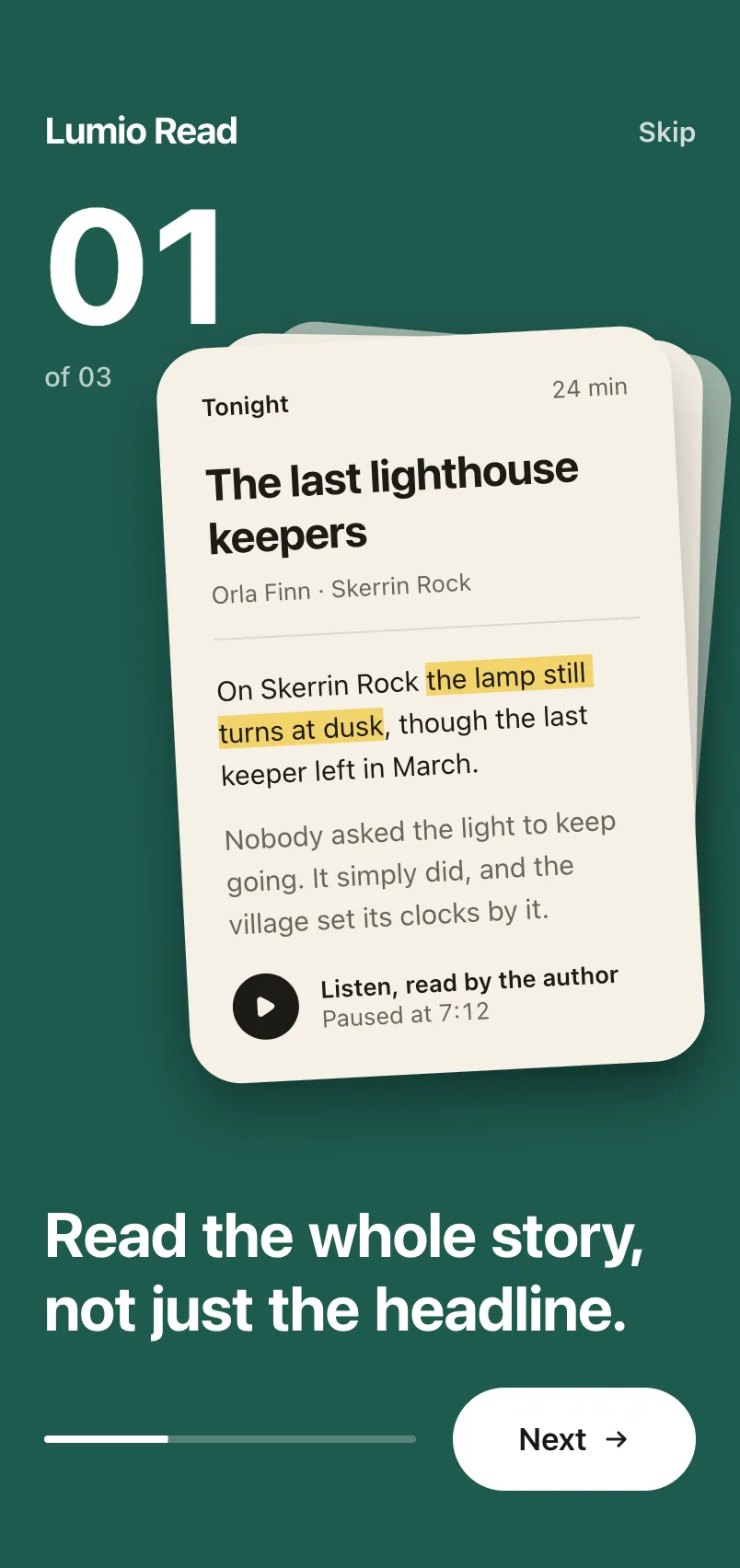
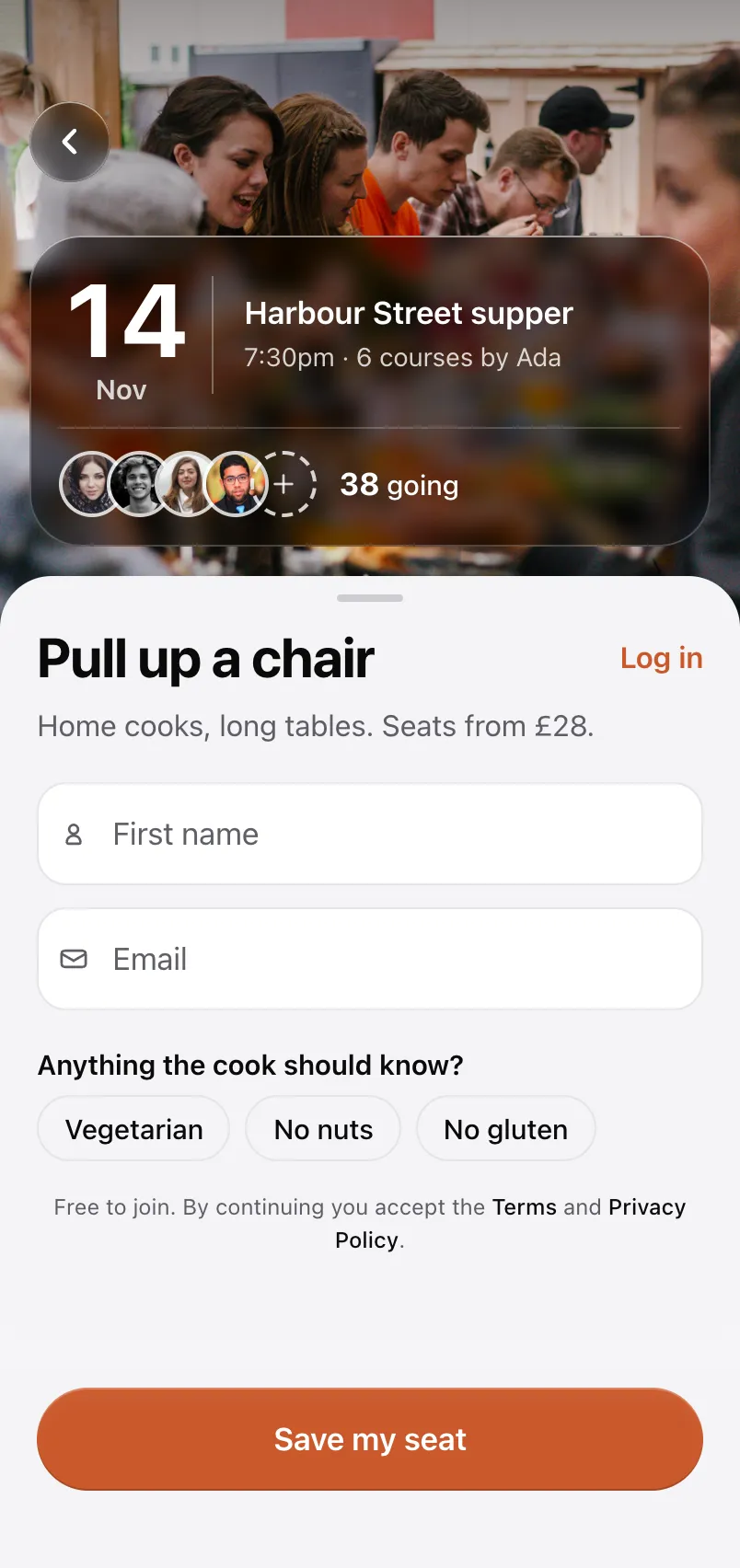
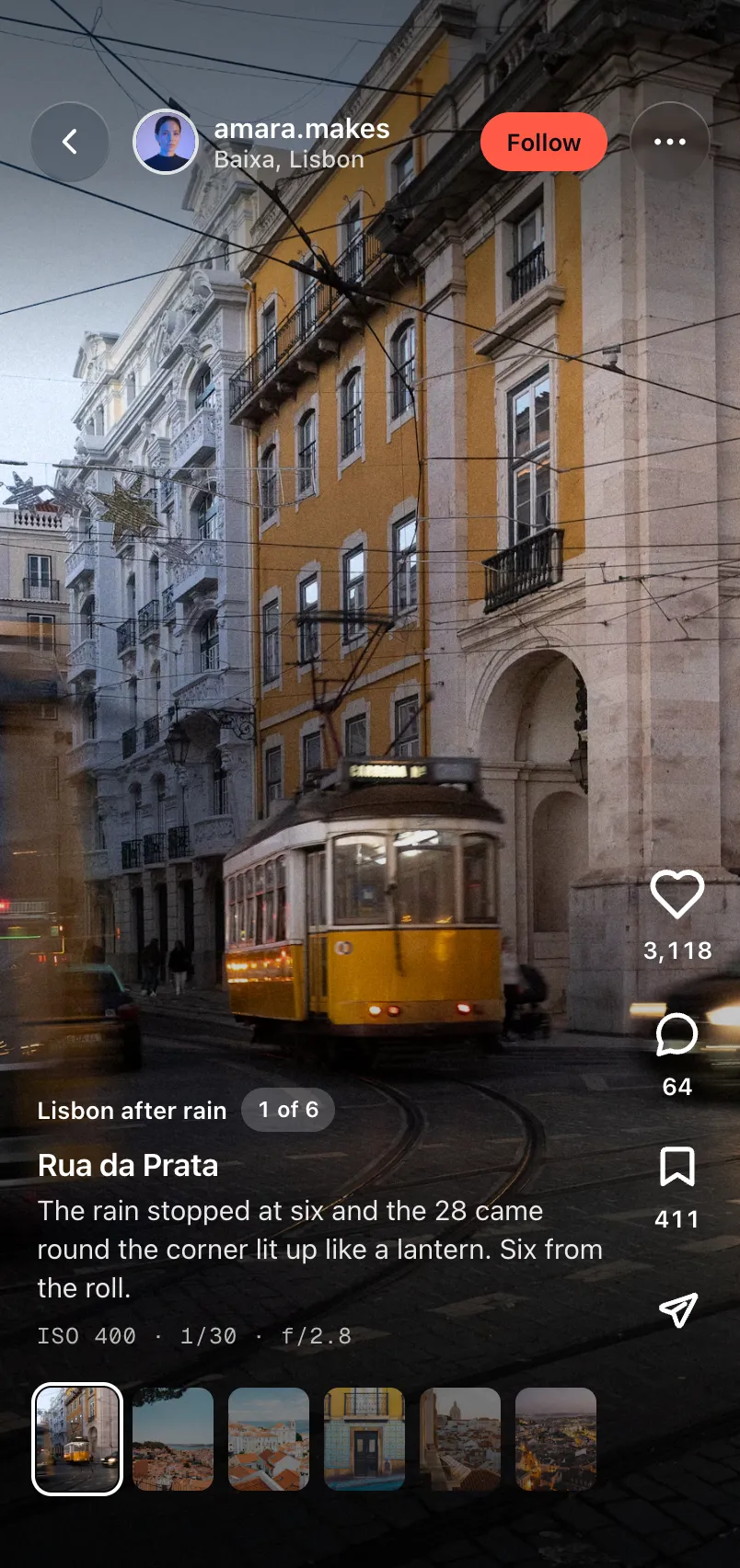
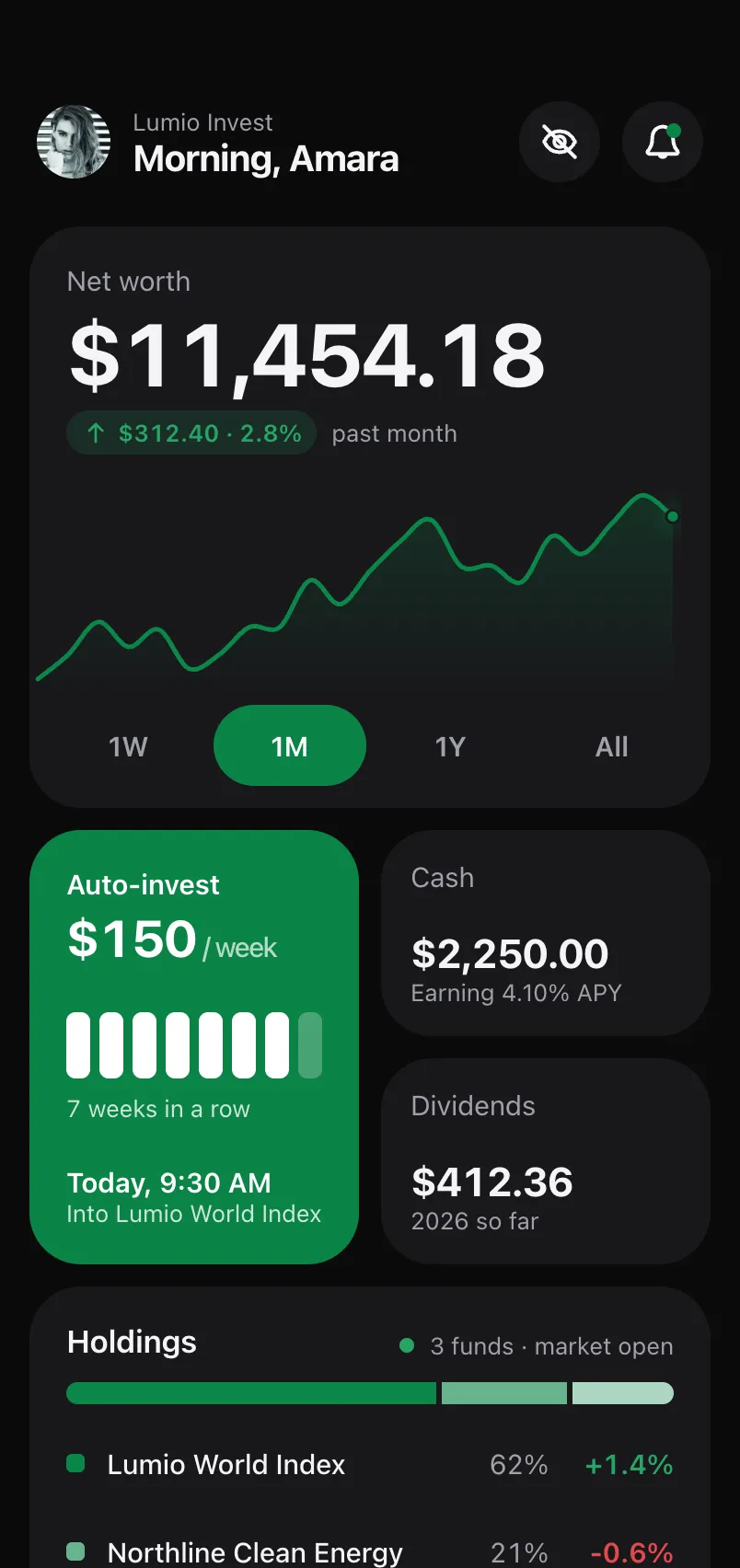
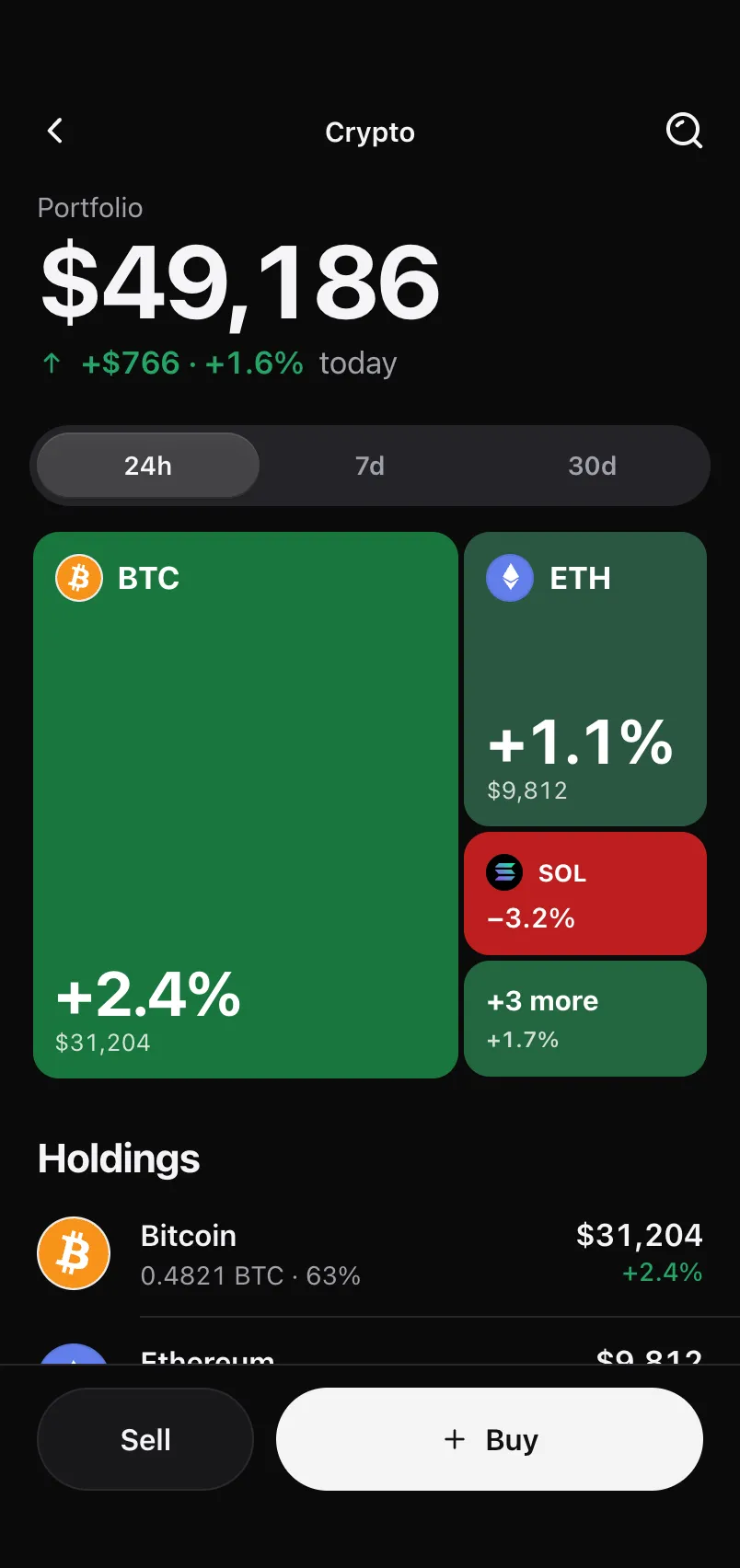
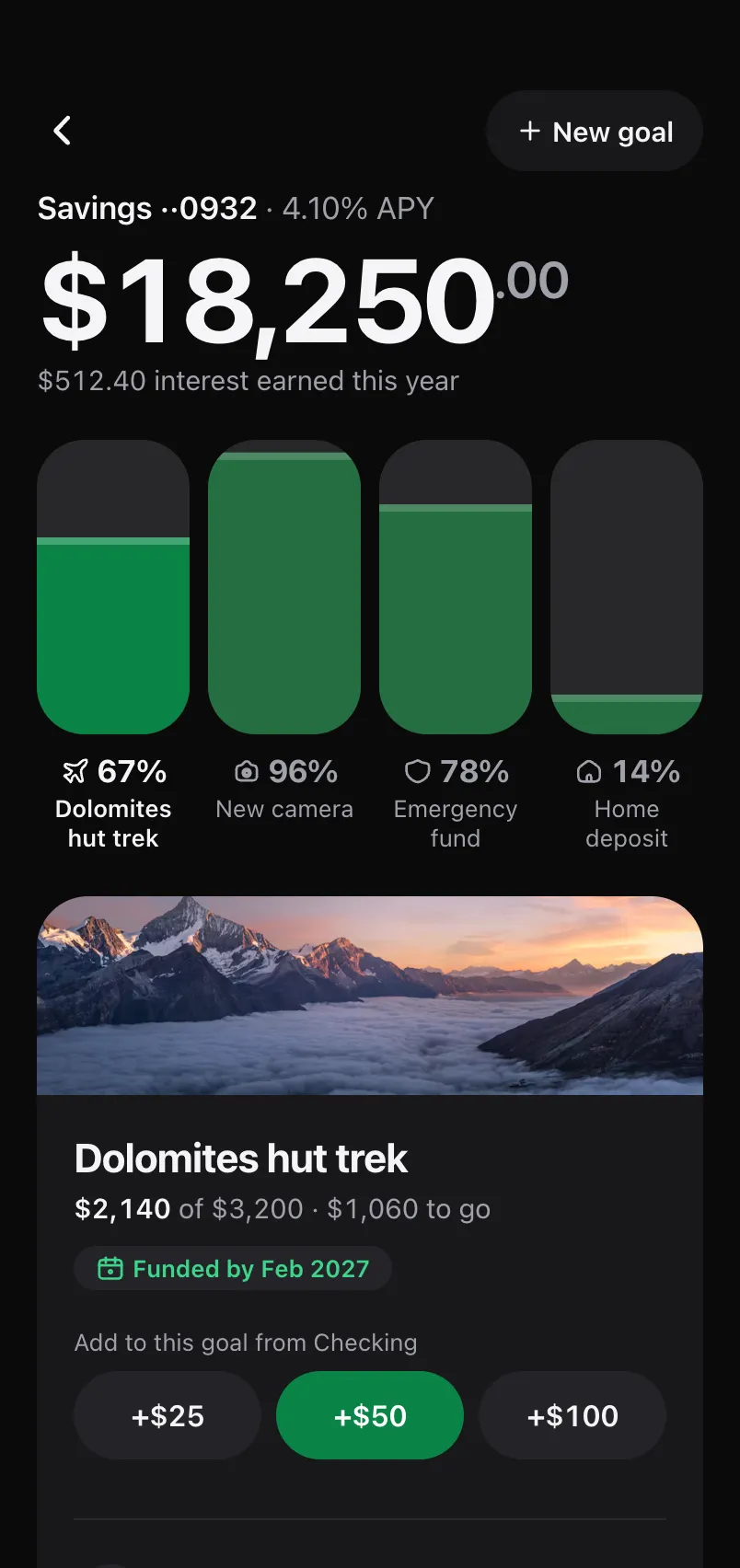
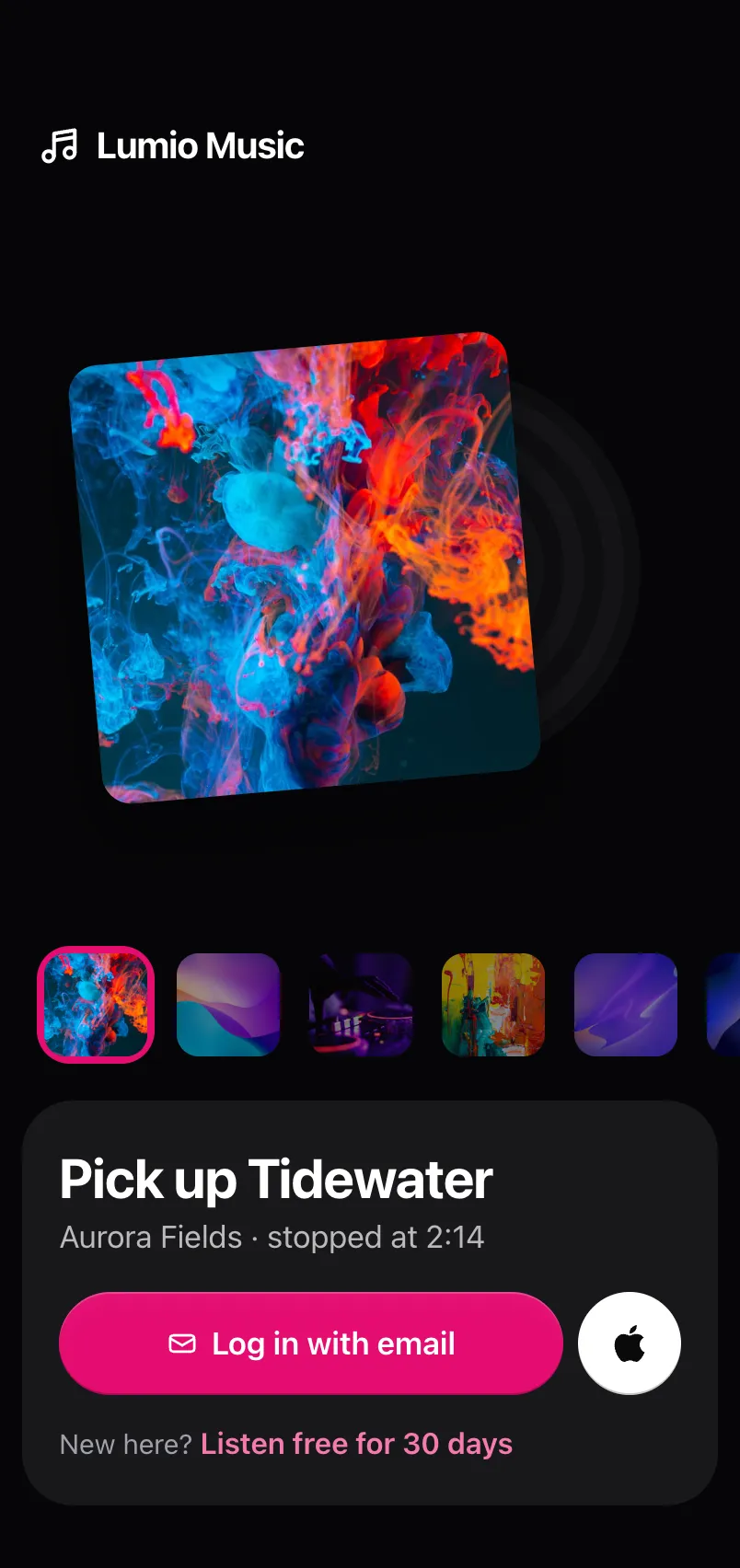
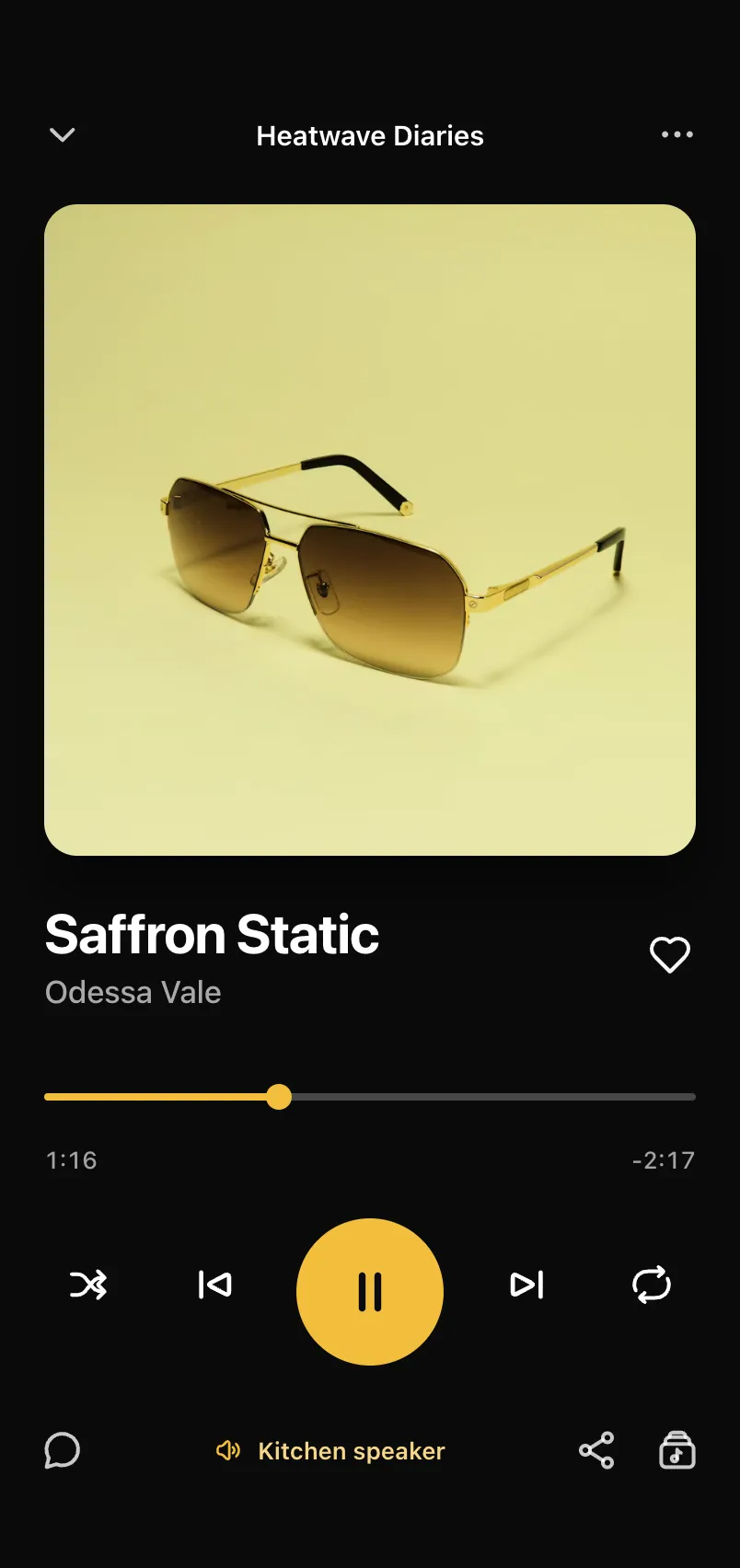
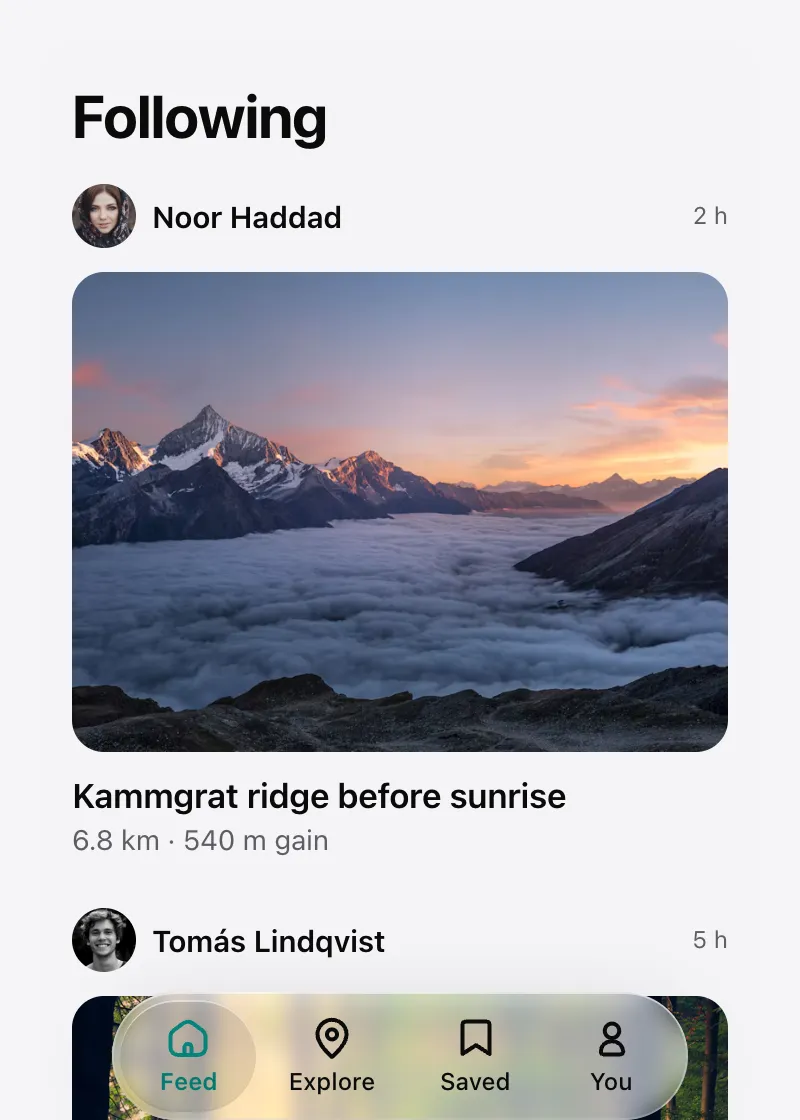
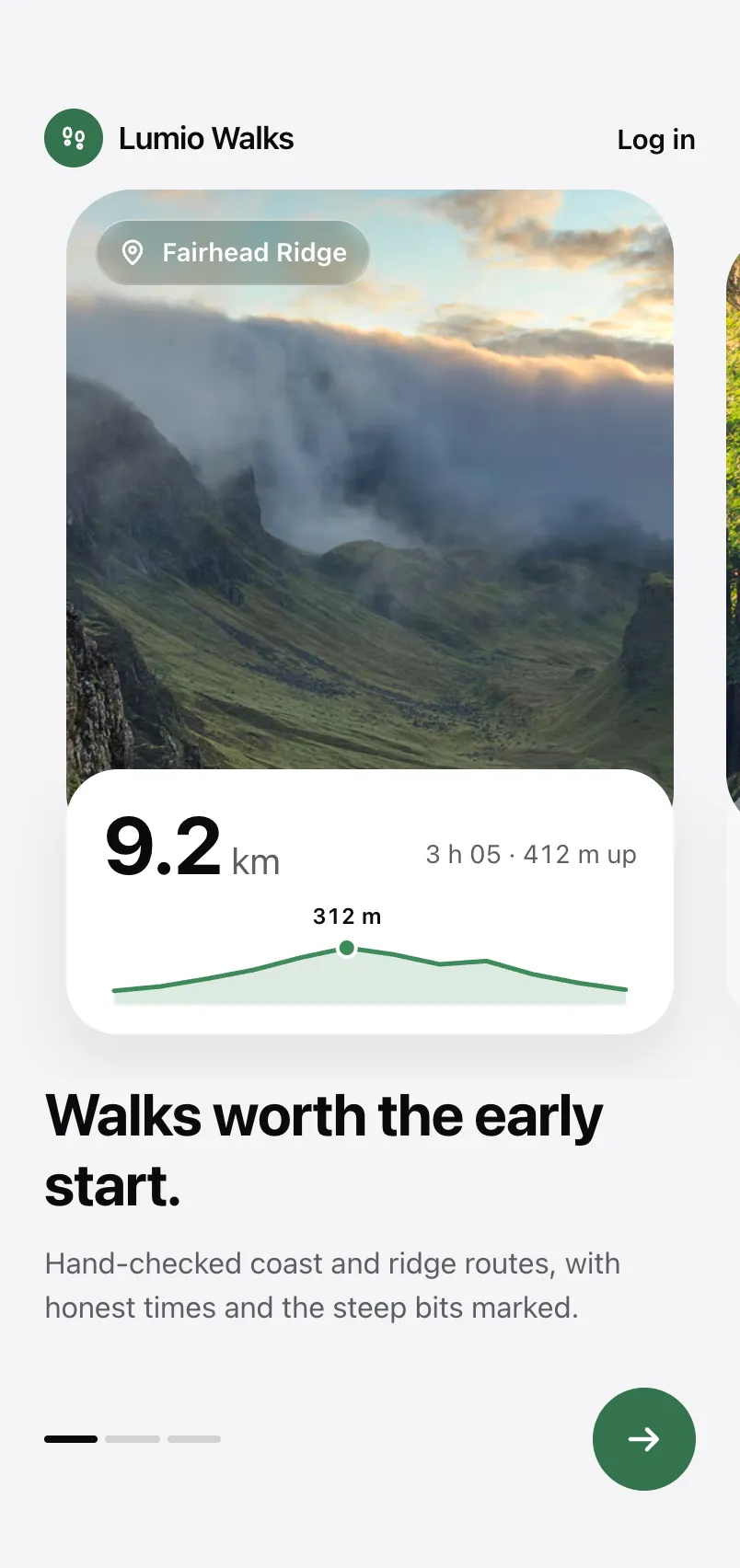
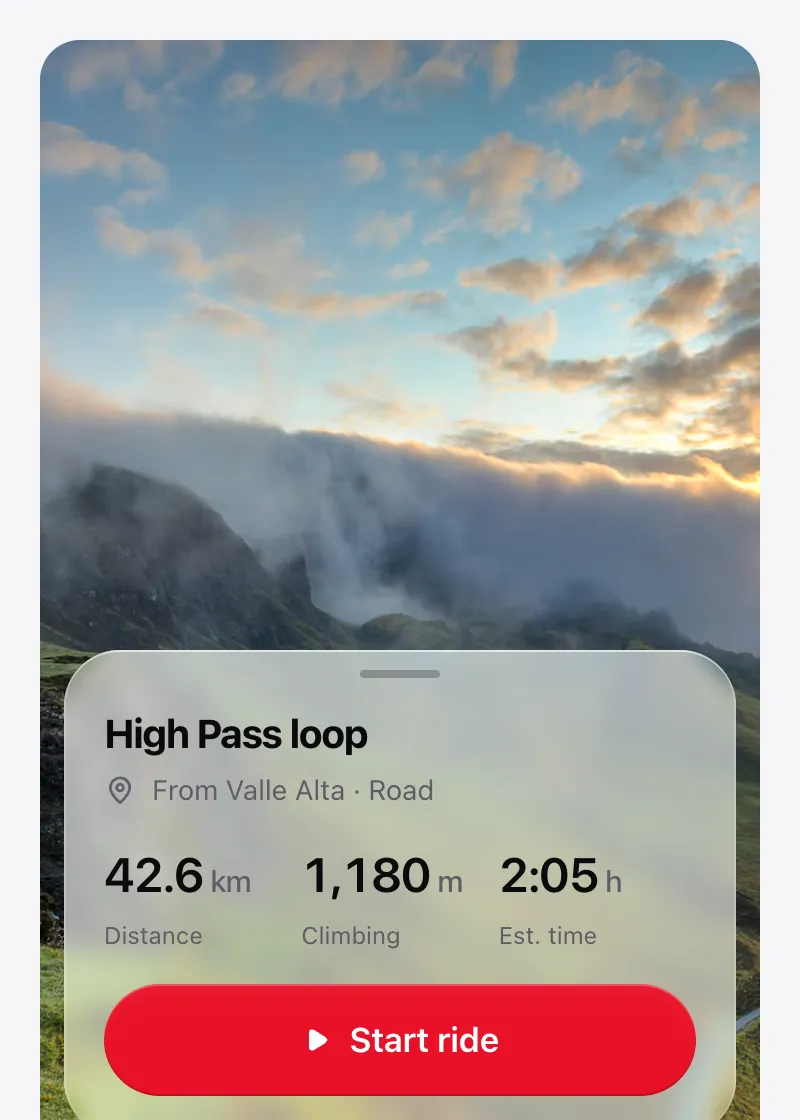
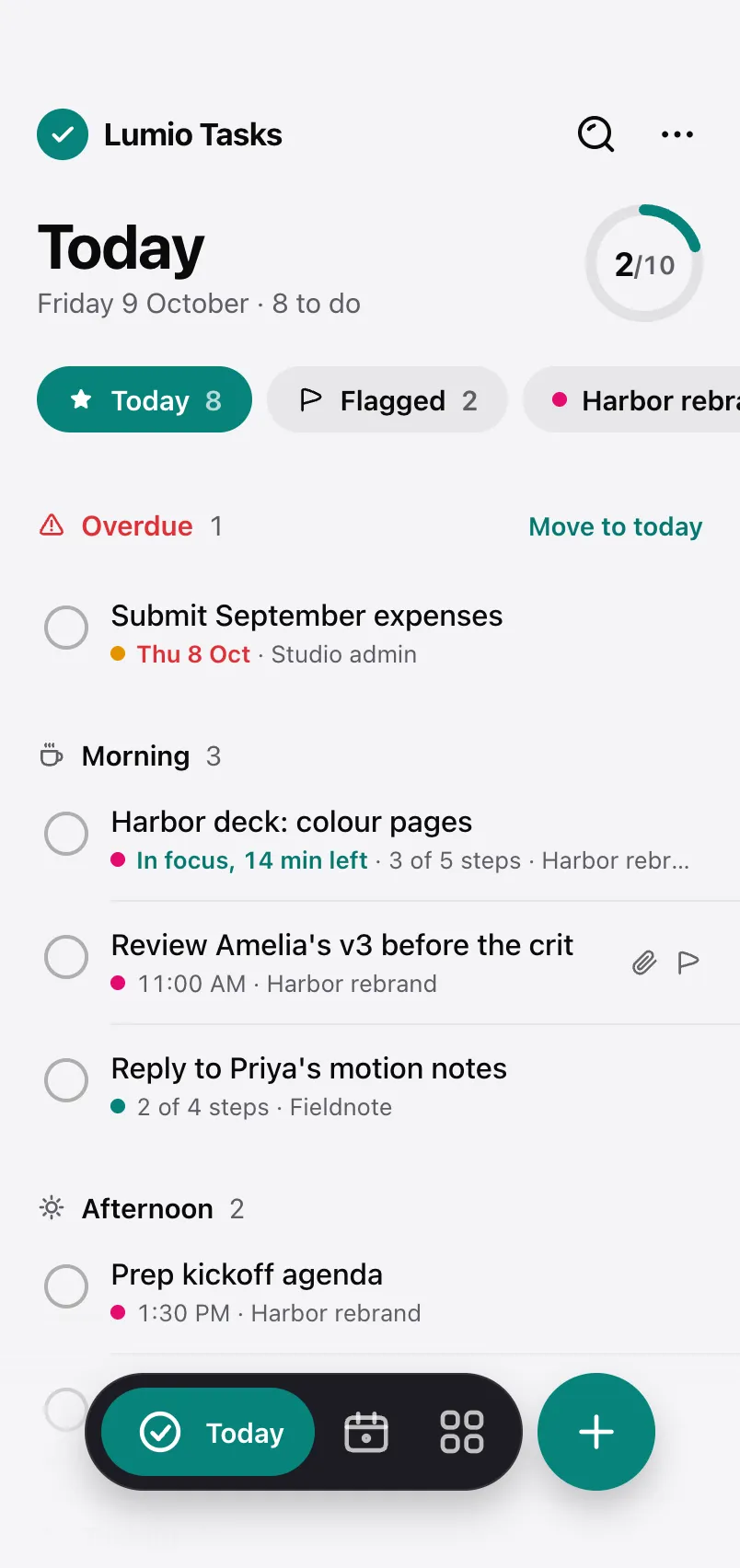
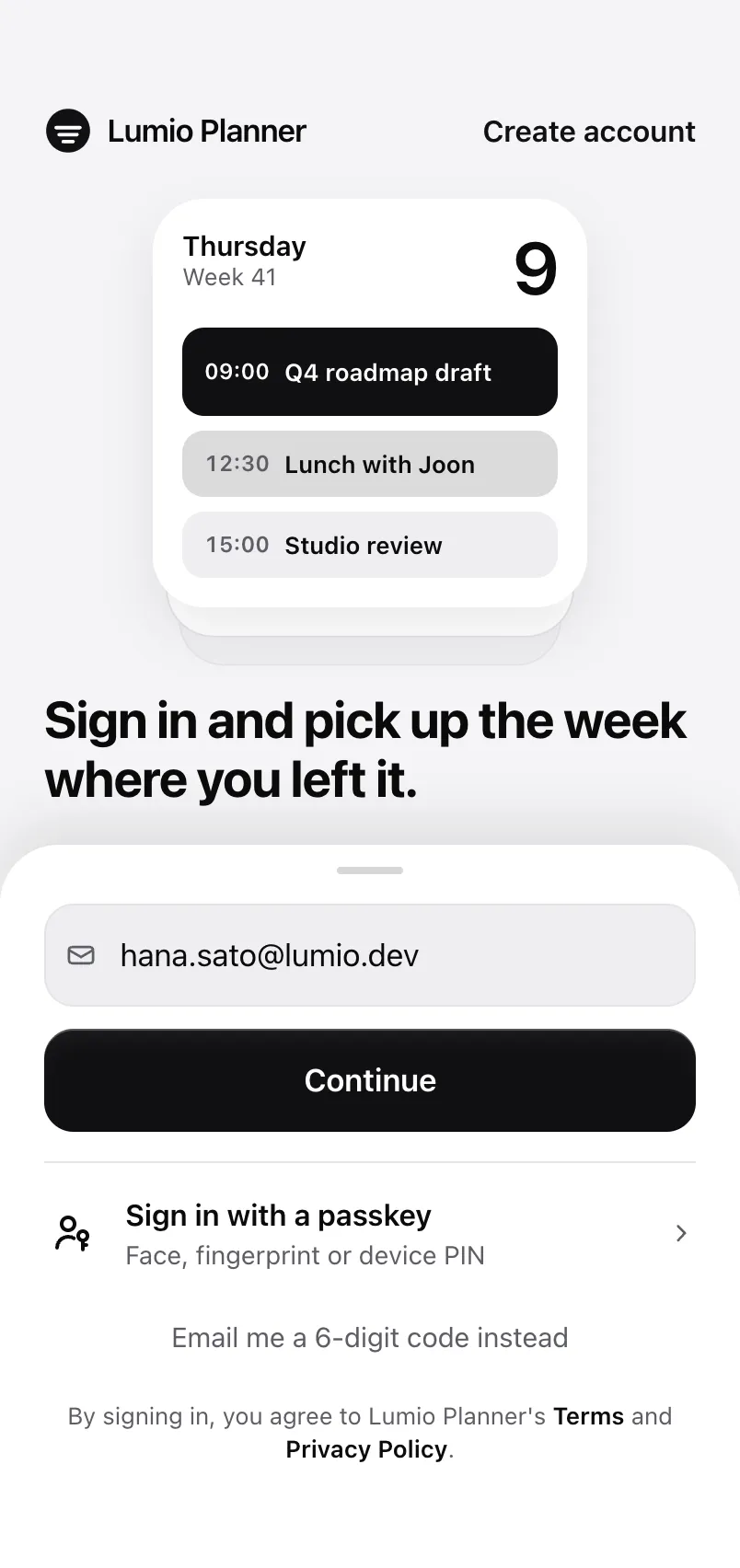
Skills that teach Claude Code, Cursor and other coding agents to build with LumioUI. The LumioUI skill is free; the 7 design tastes come with Pro, each grounded in screens we ship.
Skills
What your agent needs to use the kit.
Design tastes
One core contract, then one per design language.

Install
One command adds a skill to your project. Re-run it to update.
- Add the free skillYour agent learns the catalogue, the CLI and the theme tokens.
npx @lumioui/cli skills add lumioui - Log in (Pro)Paste a licence key from your account. In CI, set LUMIO_LICENSE_KEY.
npx @lumioui/cli login - Add the core taste and a languagePick the design language that fits the screen you're building.
npx @lumioui/cli skills add lumio-taste lumio-taste-photo
Skills land in .claude/skills/ for Claude Code, .cursor/rules/ for Cursor, and a list in AGENTS.md for every other agent. CLI reference
Questions
What is a skill?
A Markdown file of instructions a coding agent reads when the task matches. The LumioUI skill tells the agent how to find, install and use components and screens; the design tastes tell it how to design them.
Which agents do they work with?
Claude Code, Cursor, and any agent that reads AGENTS.md (Codex, Copilot, Gemini CLI and others). npx @lumioui/cli skills add writes the Claude Code skill and the AGENTS.md entry, plus the Cursor rule when the project uses Cursor; choose with --agent.
Are they free?
The lumioui skill is free. The design tastes come with Pro ($15/month, $150/year or $299 once), installed with the same licence as Pro components: run npx @lumioui/cli login once. Pro accounts can also read and copy every taste on its page.
Do I need LumioUI installed?
The tastes work best with LumioUI, since they name the components and screen templates to use, but their design rules apply to any React Native app.